

01
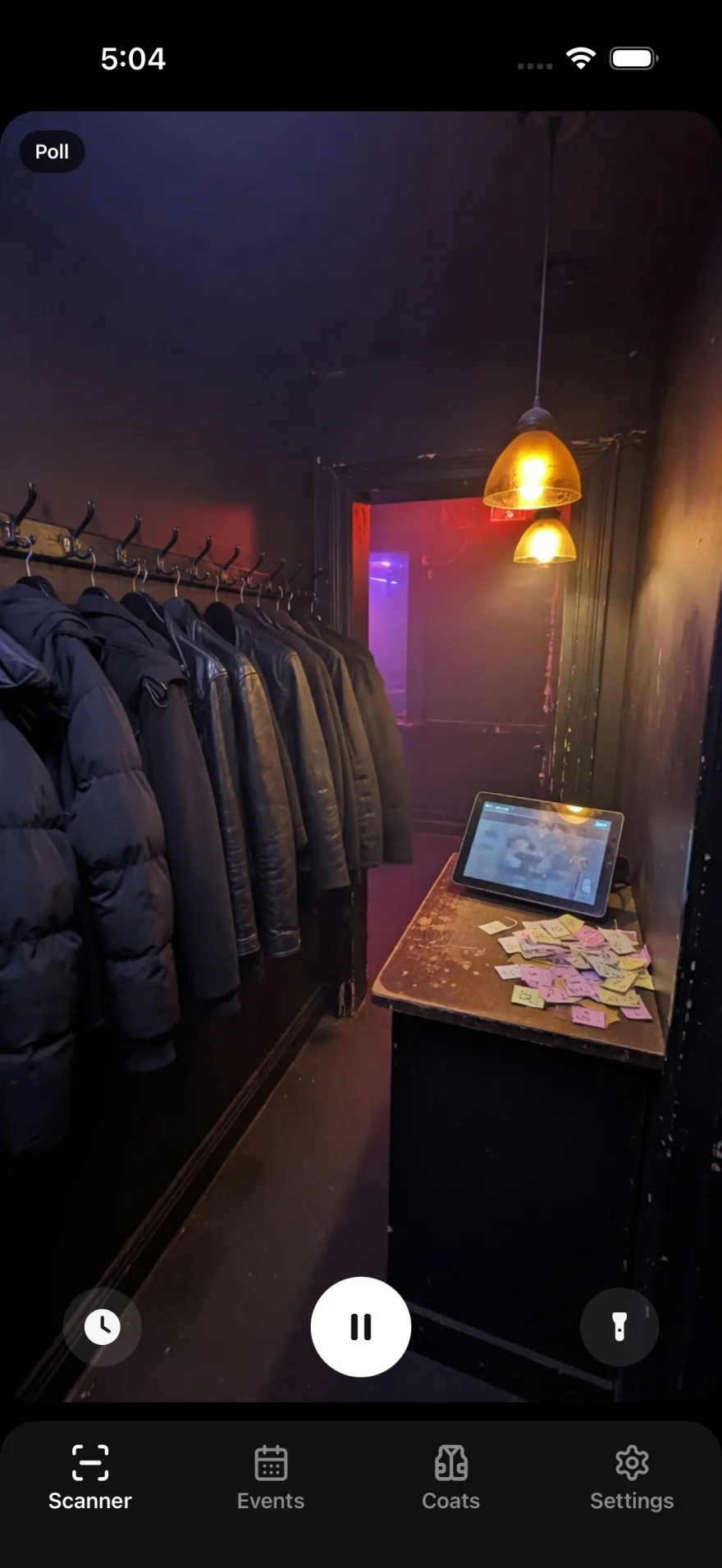
Guest hands over the item
Coat, bag, whatever's coming in. Staff takes it at the counter — no stubs, no clipboard.
SMS tickets, an optional guest app, item photos, and an admin app that still checks people out when the Wi-Fi dies. The cloakroom, on any phone.
How it works
01
Coat, bag, whatever's coming in. Staff takes it at the counter — no stubs, no clipboard.
02
By SMS, by WhatsApp, or in the CoatCheck app. The tag is logged against the item.
03
Guest shows the link or pickup code. A lost ticket is a lookup — not a search through a pile.
Guest · SMS
Guests do not download anything. The moment they hand off their coat, they get a link and a pickup code on the phone they already have.
No app to download
The ticket is a text. Any phone that can receive SMS can pick up a coat.
Link and pickup code
Guests get a public ticket link plus a short code staff can type at the counter.
In under a second
The SMS goes out the moment the ticket is created — not after the line moves.
Messages
CoatCheck
SMS is the default. Guests who already have the CoatCheck app can skip the text entirely.
Guest · CoatCheck app
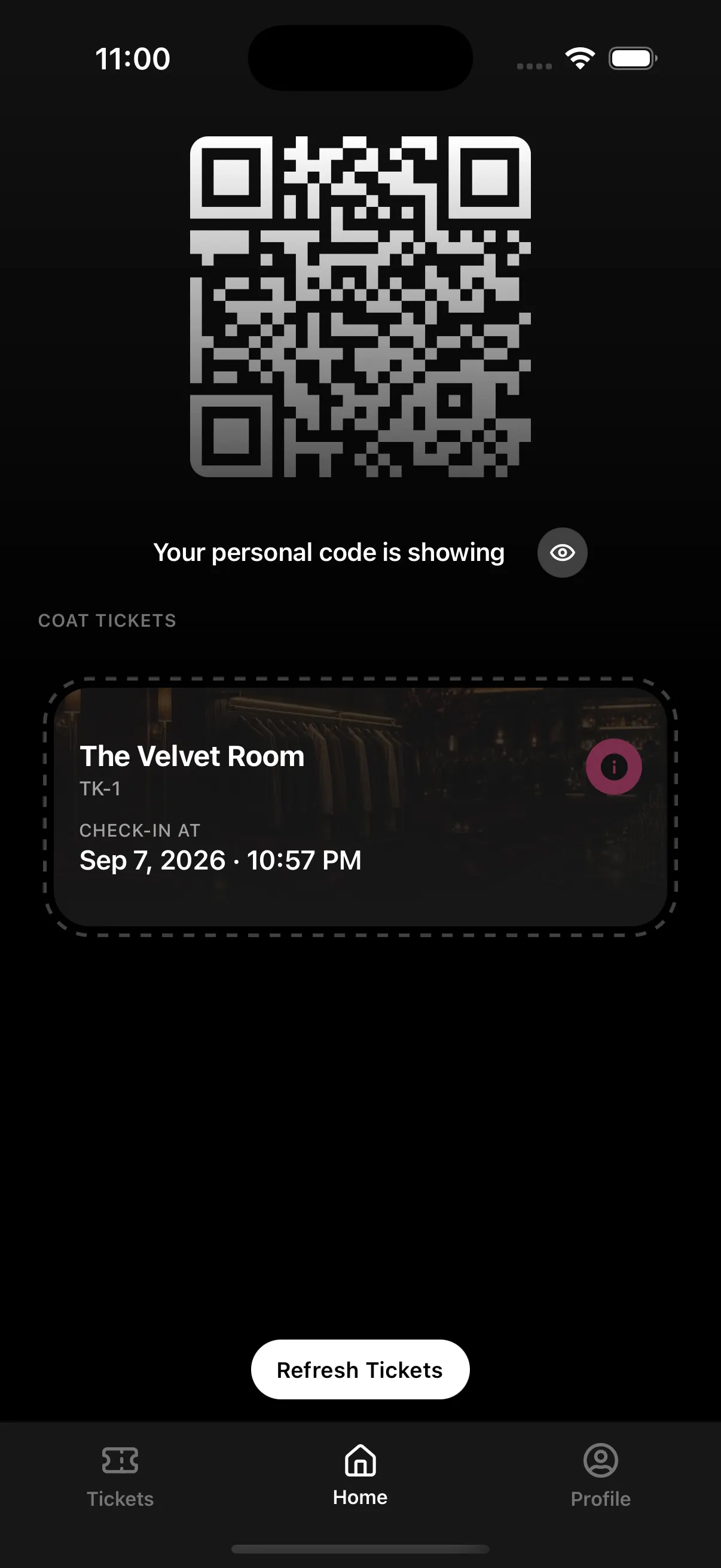
Guests who already use CoatCheck show their personal QR. Staff scan it, assign a tag, and the ticket lands in the app — no number spoken across the counter.
Scan their QR, skip the number
Guests open CoatCheck and show a personal code. Staff scan it instead of typing a phone number.
The ticket lives in the app
After check-in they keep the coat ticket next to everything else in CoatCheck — ready at pickup.
Optional, not required
No app? SMS still goes out. The counter works the same either way.
Tags
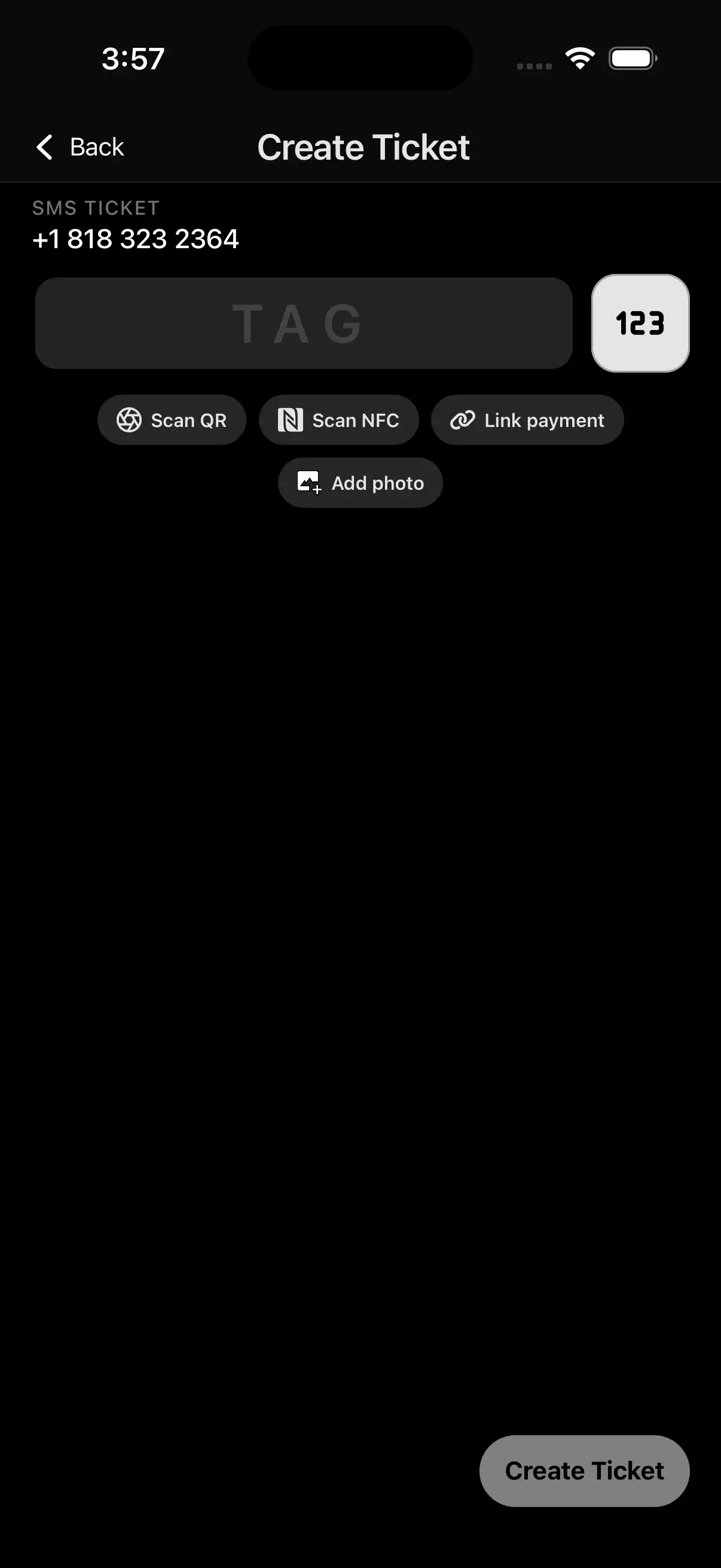
Assign the hanger however the counter works tonight. Type a number, tap a chip, or scan a printed code — one record on the ticket.
Text labels
Type the hanger number. CoatCheck blocks a tag that is already in use.
NFC chips
Tap a registered chip to assign it. Staff still see the linked hanger number at pickup.
QR labels
Scan a printed QR on the hanger or sticker. Same ticket record as the other two.
Item photos
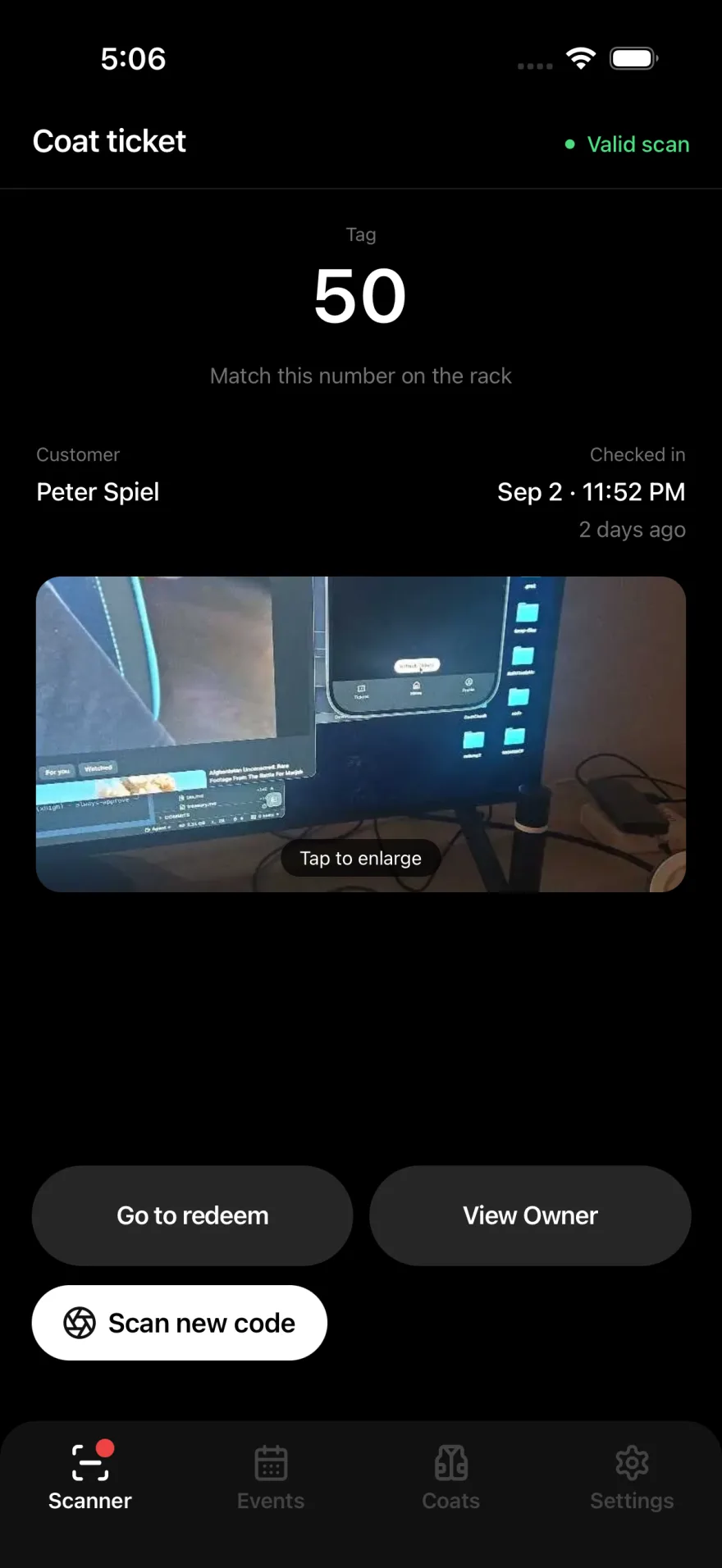
Photograph belongings when the ticket is created. The picture lives on the record — pickup, rescue, and "that's not mine" become a glance, not a guess.
Optional at check-in
One extra tap after the ticket goes out. Skip it when the line is four deep.
Confirm before you walk the rack
Staff see the item on the ticket. The right coat comes back the first time.
Visual proof when it matters
Lost phone, disputed item, rescue lookup — the photo is attached to the record.
Pre-register · Payments
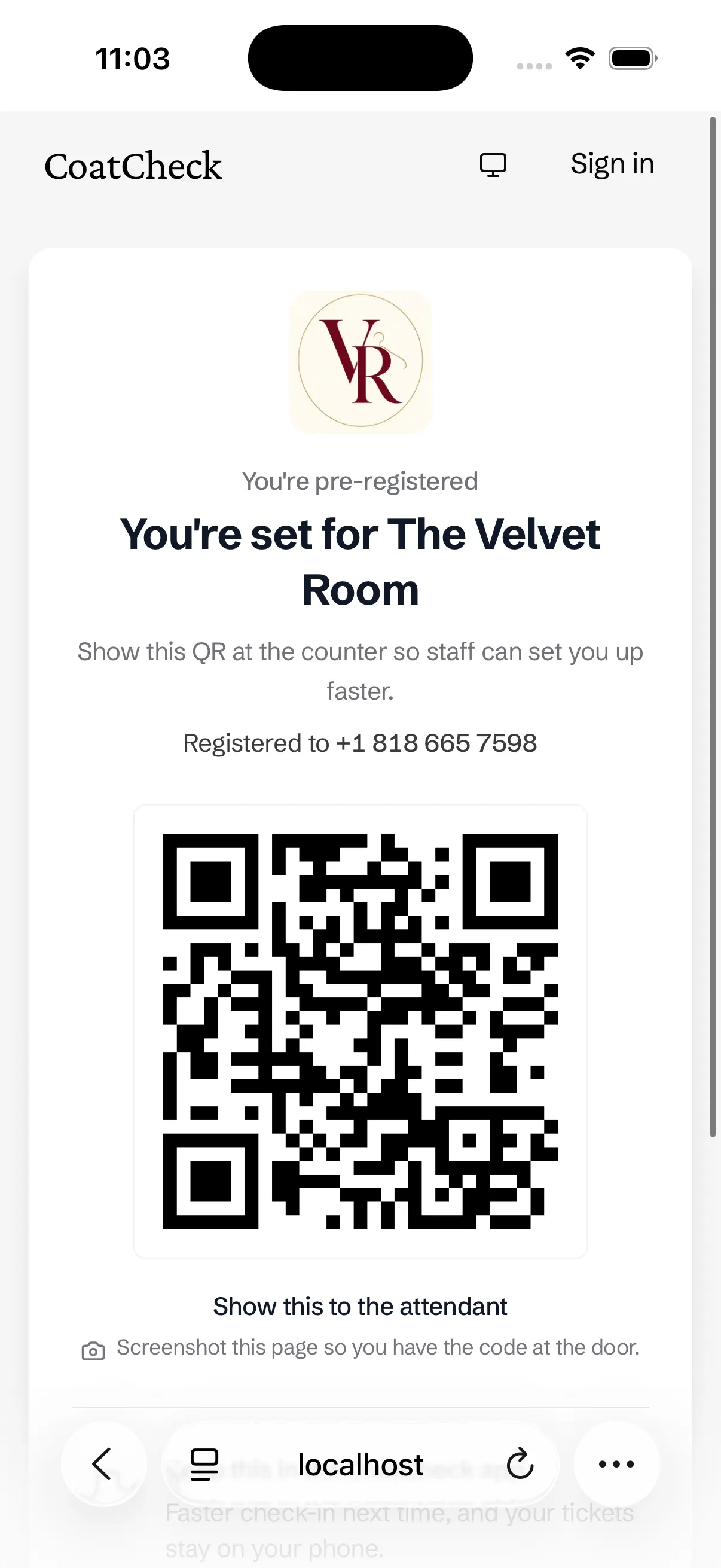
Guests open your pre-register page, enter their phone — and can pay — then show a QR at the counter. The line stays a scan, not a shouted number.
They type the number
A poster QR opens your pre-register page. Guests enter their phone on their own screen.
Pay in the same flow
Turn on payments and they can pay for the coat check before they reach the counter.
Staff only scan
They show a QR. You scan it, assign a tag, done. If they close the page, pick them from the list.
Admin app
The admin app is how staff run the night — check people in, get them out, assign tags, shoot a photo, and recover a lost phone. Every tool the desk needs, on the phone in your pocket.
Check-in and checkout
SMS, app QR, or pre-register in. Scan, code, or rescue out. One app at the counter.
The night-of toolkit
Tag assignment, item photos, the pre-register list, NFC tools, and live floor counts.
Built for the desk
One-hand on a phone, or a tablet behind the bar. The same tools either way.
Admin app · Offline
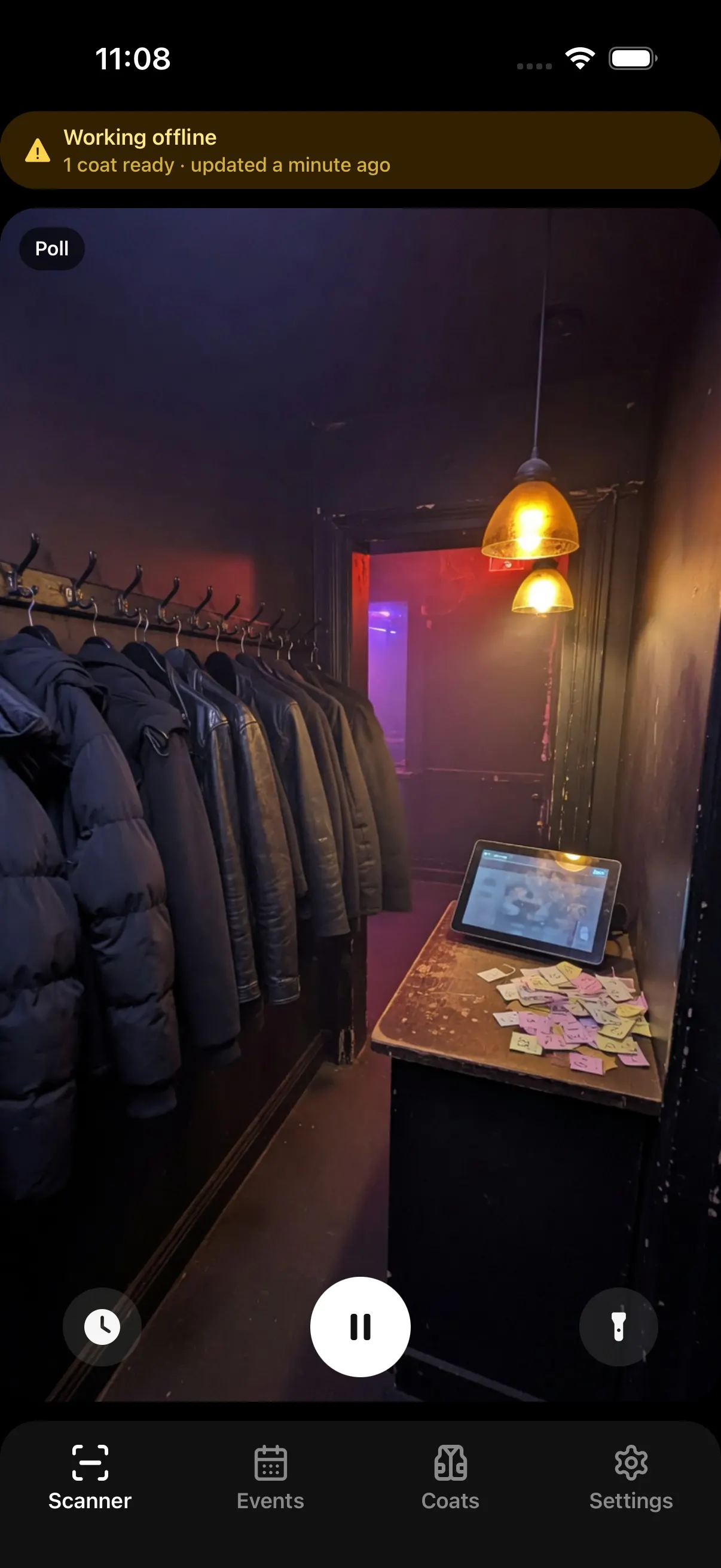
If venue Wi-Fi goes out or our servers go down, the admin app can still check out anyone already checked in. That path is what keeps the cloakroom open.
Venue Wi-Fi drops
The admin app already has tonight's checked-in guests on the device. The counter keeps moving.
Servers unreachable
Checkout does not wait on the cloud. Staff redeem from the local cache and keep the line short.
It syncs when you're back
Queued checkouts write back the moment the connection returns. The floor and the dashboard stay aligned.
Recovery
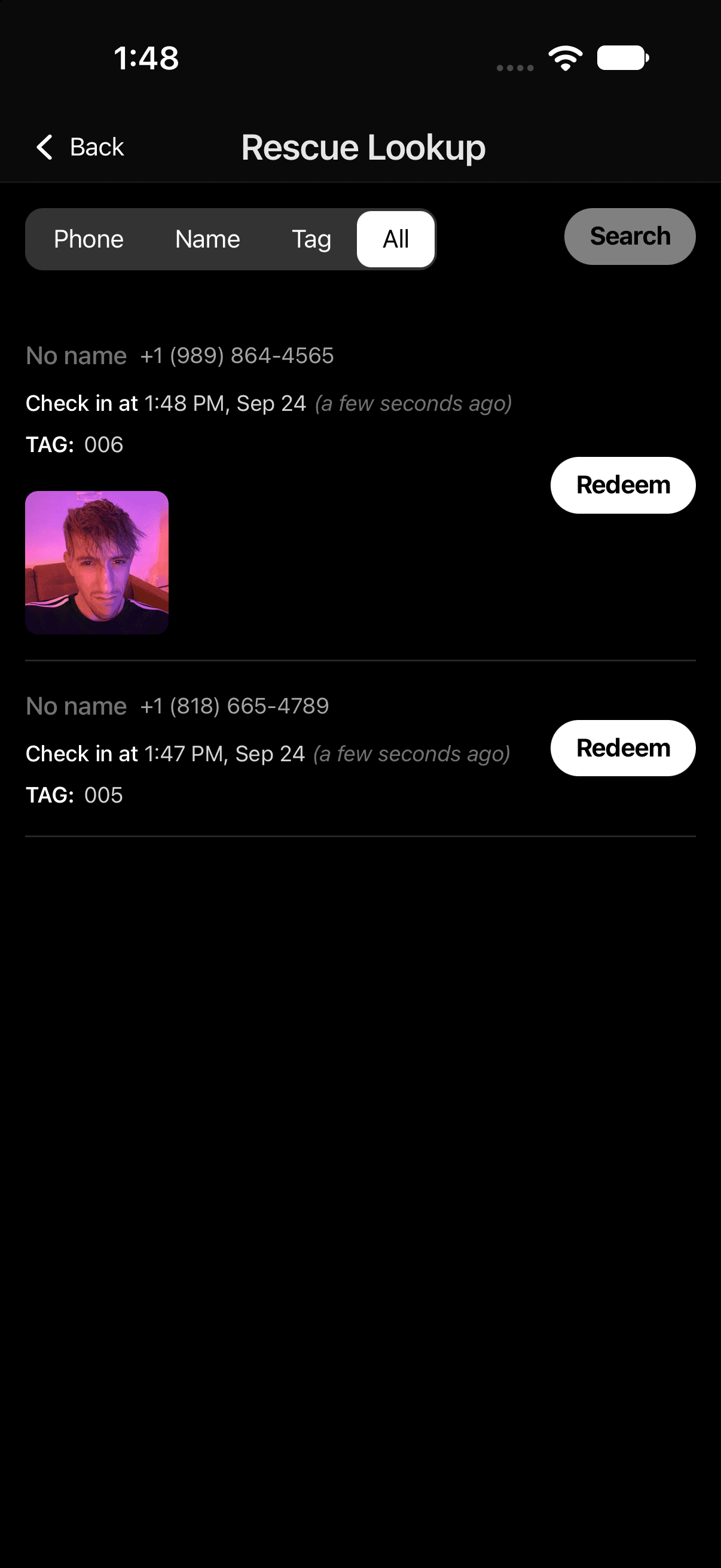
Guests lose phones. Batteries die. The ticket is still on the record. Staff search, match the item, and send people home with the right coat.
Search the night
Name, phone, tag, or time. Rescue lookup is built for a dead battery and a lost phone.
Match the photo
If staff took a picture at check-in, the item is on the record — not a guess on the rack.
Resolve at the counter
Confirm who they are, return the coat, close the ticket. No emptying hangers.
No setup fees. Live in minutes. Cancel anytime.
